The hardware stays in view
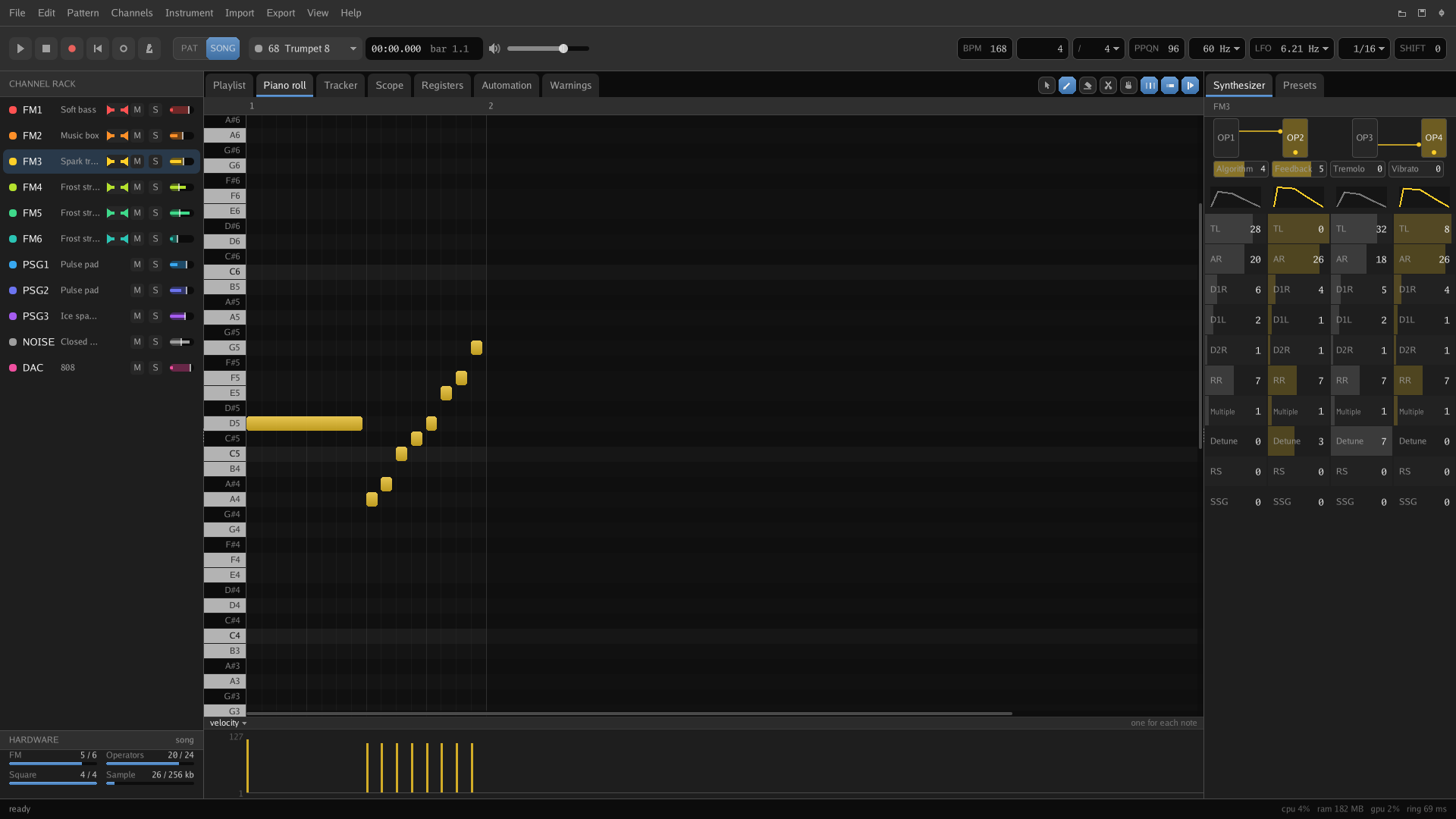
Draw a note the chip can't sound and it's hatched in the piano roll straight away, with a warning that clicks through to the note that caused it. Hover an FM parameter to see the register it writes and the raw value.
 MD Synth DAW
Or just make music with the same limits the console had. The YM2612, the SN76489 and the sample channel are the instruments, and the hardware stays in front of you the whole time.
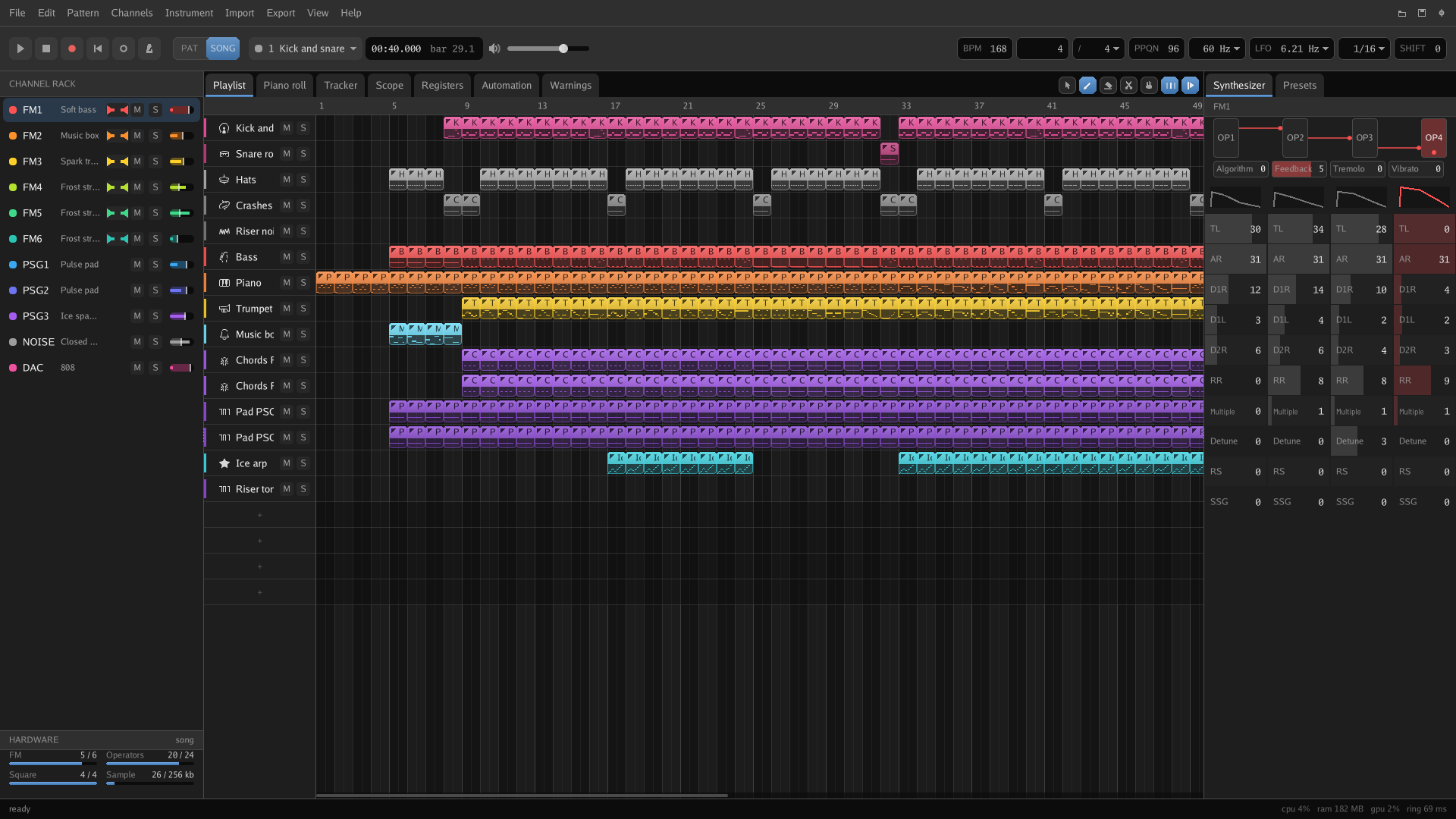
Six FM channels, three squares, the noise and the sample channel. Each keeps its own colour everywhere it turns up in the app.
YM2612 six four-operator FM channels, one of them able to play samplesSN76489 three square waves and a noise channel
Draw a note the chip can't sound and it's hatched in the piano roll straight away, with a warning that clicks through to the note that caused it. Hover an FM parameter to see the register it writes and the raw value.
One part of the program makes every register write. Playback, the export, the register timeline and the hardware meters all read that same stream, so nothing can quietly drift.
An 8 MB program next to a copy of SDL. No runtime, no framework, no .NET, no Electron and no Java. Download it and run it, or keep the portable copy on a USB stick.
Patterns on a playlist, a piano roll with lanes underneath it, and a tracker view of the same notes in hexadecimal rows. If you've used FL Studio, most of it will feel familiar.
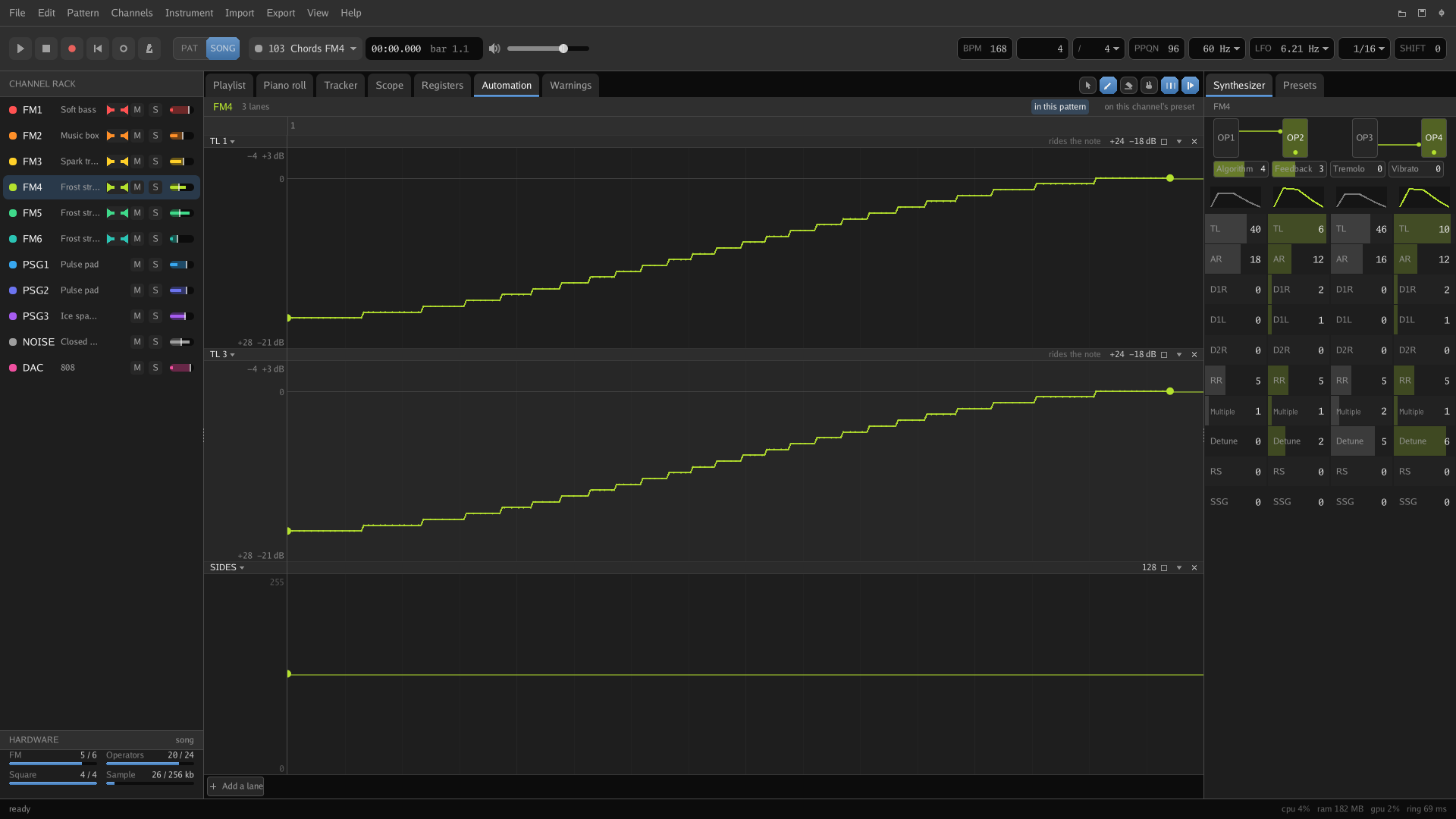
Every operator has its envelope drawn and its values in reach, and the algorithm is drawn as separate wires. Automation lanes write straight to the chip's registers.
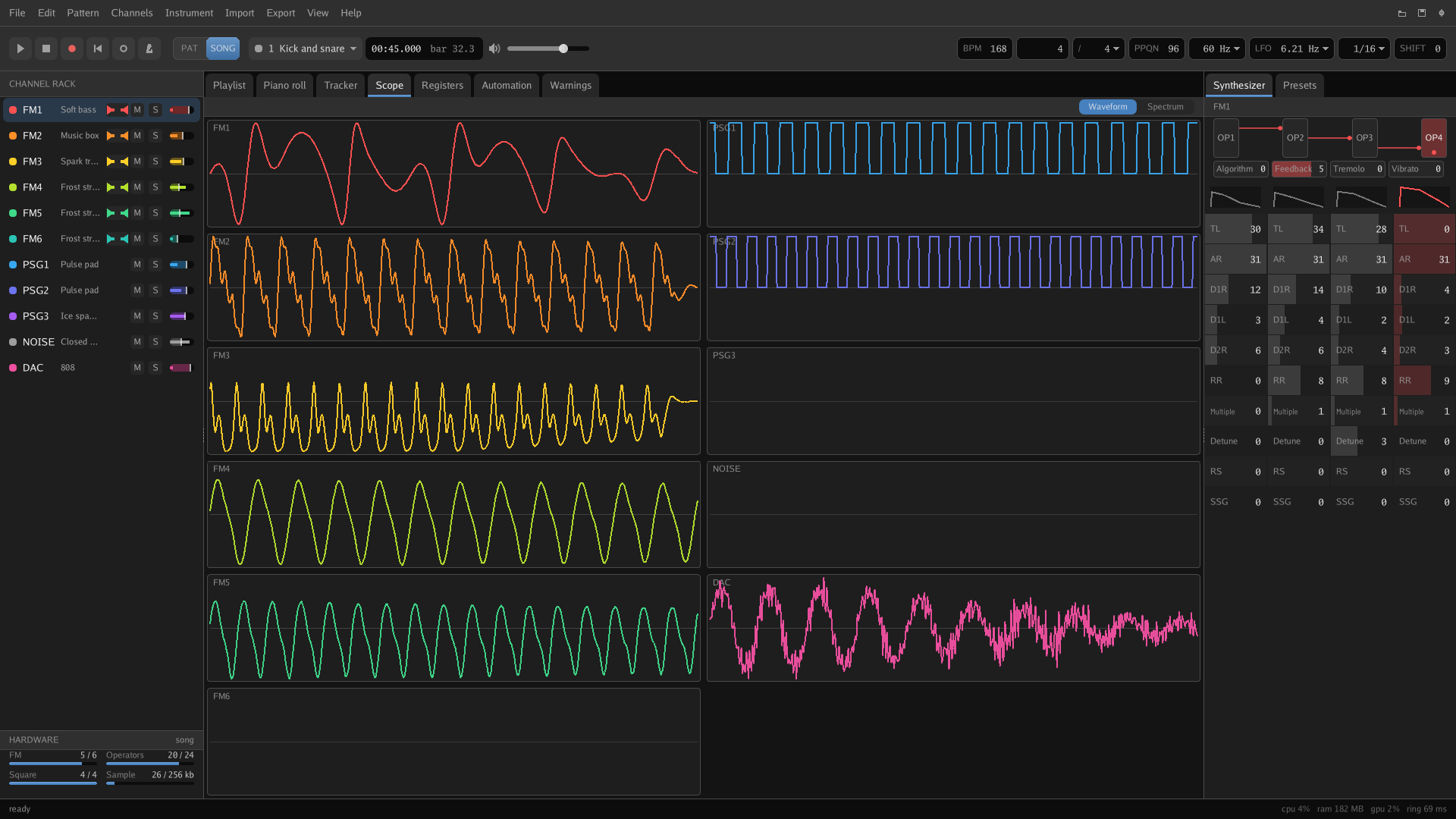
A scope for every channel, a register timeline that says which chip took each write, and a meter showing how much of the console the song uses.
Import a VGM and get notes, presets, square envelopes and samples back, with the timing, vibrato and slides kept as the file wrote them. Export for the console or for everyone else.
Short examples from the manual. Most play the plain way first and the technique after it.
FM4
FM4FM5PSG1PSG2
FM1FM2FM3NOISE